How to Choose the Best CPU and GPU for Gaming, Work, or Daily Use
 Kapadia Infotech
Best Processor and Graphics Card for Your Needs: Gaming, Workstation, or Everyday Use
Choosing the right processor and graphics card can make or break your PC’s performance. Whether you're building a gaming PC, a professional workstation, or a personal computer, selecting the right components ensures maximum performance and long-term value.
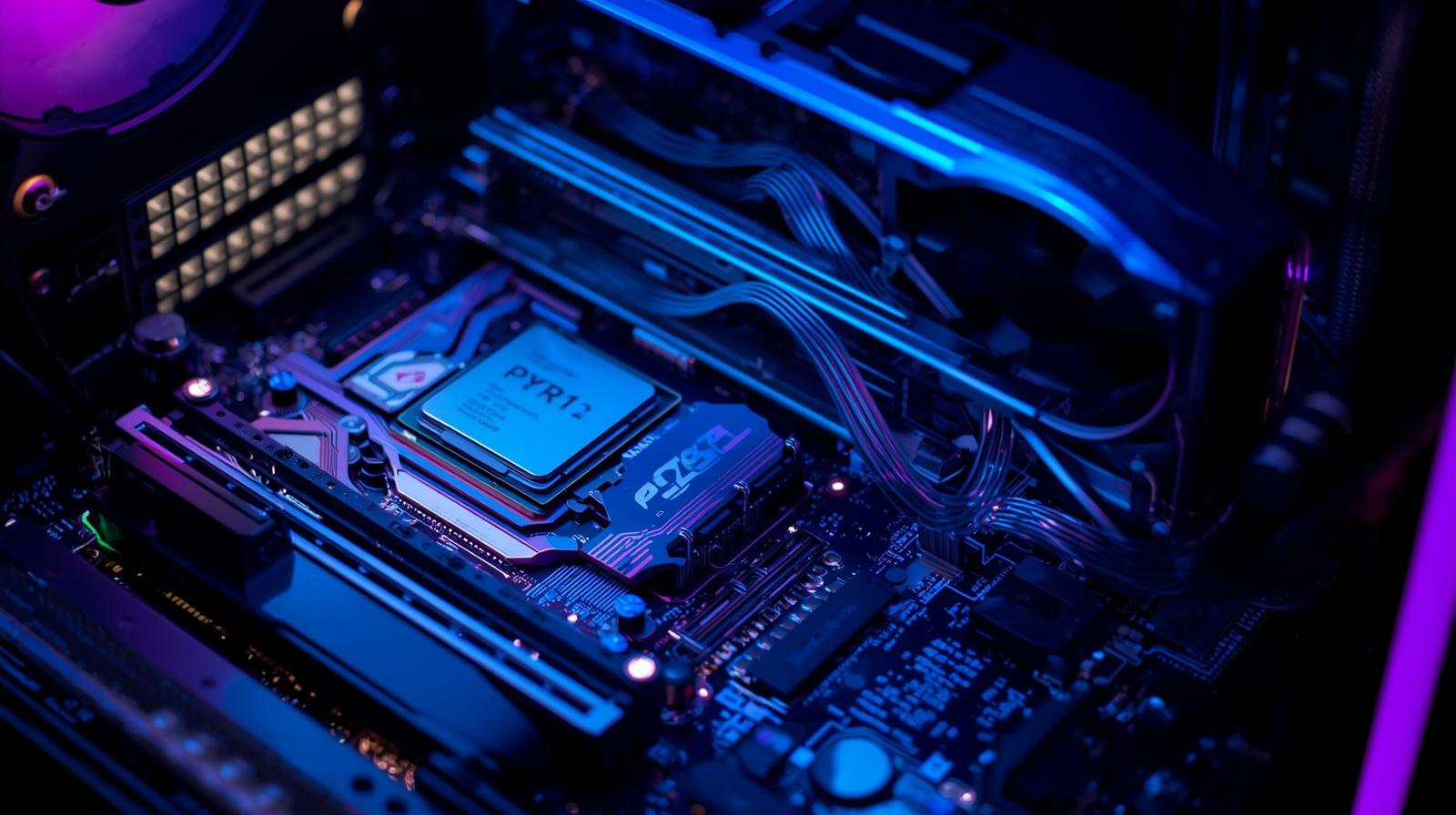
CPU and GPU selection depends on your usage – gaming, workstation or everyday tasks
Do You Really Need a Graphics Card?
Not everyone needs a dedicated GPU. Modern processors come with integrated graphics capable of handling daily tasks.
- Everyday Use: No GPU needed (browsing, office work)
- Gaming: Dedicated GPU required for smooth FPS
- Workstation: Essential for rendering, editing, AI
Best Processors by Usage
Best Processor for Gaming
- AMD Ryzen 7 7800X3D: Best gaming CPU with 3D cache
- Intel Core i7-14700K: Excellent for competitive gaming
- AMD Ryzen 5 7600X: Budget-friendly gaming option
Best Processor for Workstation
- AMD Threadripper 7960X: Heavy multi-core workloads
- Intel Xeon Series: Enterprise-level performance
- AMD Ryzen 9 7950X: Balanced professional CPU
Best Processor for Everyday Use
- Intel i5-14600K: Smooth daily performance
- AMD Ryzen 5 8600G: Built-in graphics
- Intel i3-14100: Budget option
Graphics Card Comparison Table
| Usage | GPU | VRAM | Best For |
|---|---|---|---|
| Entry Gaming | RTX 4060 | 8GB | 1080p Gaming |
| Mid Gaming | RX 7700 XT | 12GB | 1440p Gaming |
| High-End | RTX 4080 Super | 16GB | 4K Gaming |
| Workstation | RTX 4000 Ada | 20GB | Editing, CAD |
Not Sure Which GPU is Right?
Choosing the wrong graphics card can waste money. Get expert advice based on your exact needs.
Talk to an Expert →GPU vs Integrated Graphics (Quick Comparison)
| Feature | Integrated Graphics | Dedicated GPU |
|---|---|---|
| Cost | Low | High |
| Performance | Basic | High |
| Gaming | Limited | Excellent |
| Workstation | Not Suitable | Required |
Best CPU + GPU Combos
- Gaming: Ryzen 7 7800X3D + RTX 4070 Ti
- Workstation: Threadripper + RTX 4000 Ada
- Balanced: i5-14600K + RX 7600
Common Mistakes to Avoid
- Overbuying expensive hardware for basic use
- Ignoring PSU requirements
- Poor cooling setup
- No future upgrade planning
Conclusion
Choosing the right processor and graphics card depends entirely on your needs. Gamers should focus on performance, professionals on multi-core power, and everyday users on efficiency.
A well-balanced system ensures long-term performance, better productivity, and cost efficiency.
---Need Help Choosing the Right PC?
Get expert guidance on selecting the best processor and graphics card for your needs. We provide complete IT hardware solutions, installation, and maintenance services.