Conference Room Setup Guide: Best Solutions for Offices, Boardrooms, Classrooms & Meeting Spaces
 Kapadia Infotech
Introduction
A modern conference room is no longer just a table and a screen.
Today’s meeting spaces need seamless collaboration, crystal-clear communication, and smart technology that supports in-person and remote participants equally.
Whether you are setting up:
- A small office meeting room
- A corporate boardroom
- A classroom or training center
- A university lecture hall
- A government conference chamber
- A sports authority discussion room
Choosing the right conference room solution directly affects communication quality, productivity, and decision-making efficiency.
This guide explains exactly how to choose the right conference room setup based on room size, usage, and business requirements.
Why Modern Conference Room Setup Matters
Poor conference room technology causes:
- Audio issues during meetings
- Video lag and poor camera quality
- Remote participant disconnect
- Presentation delays
- Reduced collaboration efficiency
The right setup improves:
- Communication clarity
- Professional client meetings
- Remote collaboration quality
- Decision-making speed
- Business productivity
Conference Room Setup by Room Size
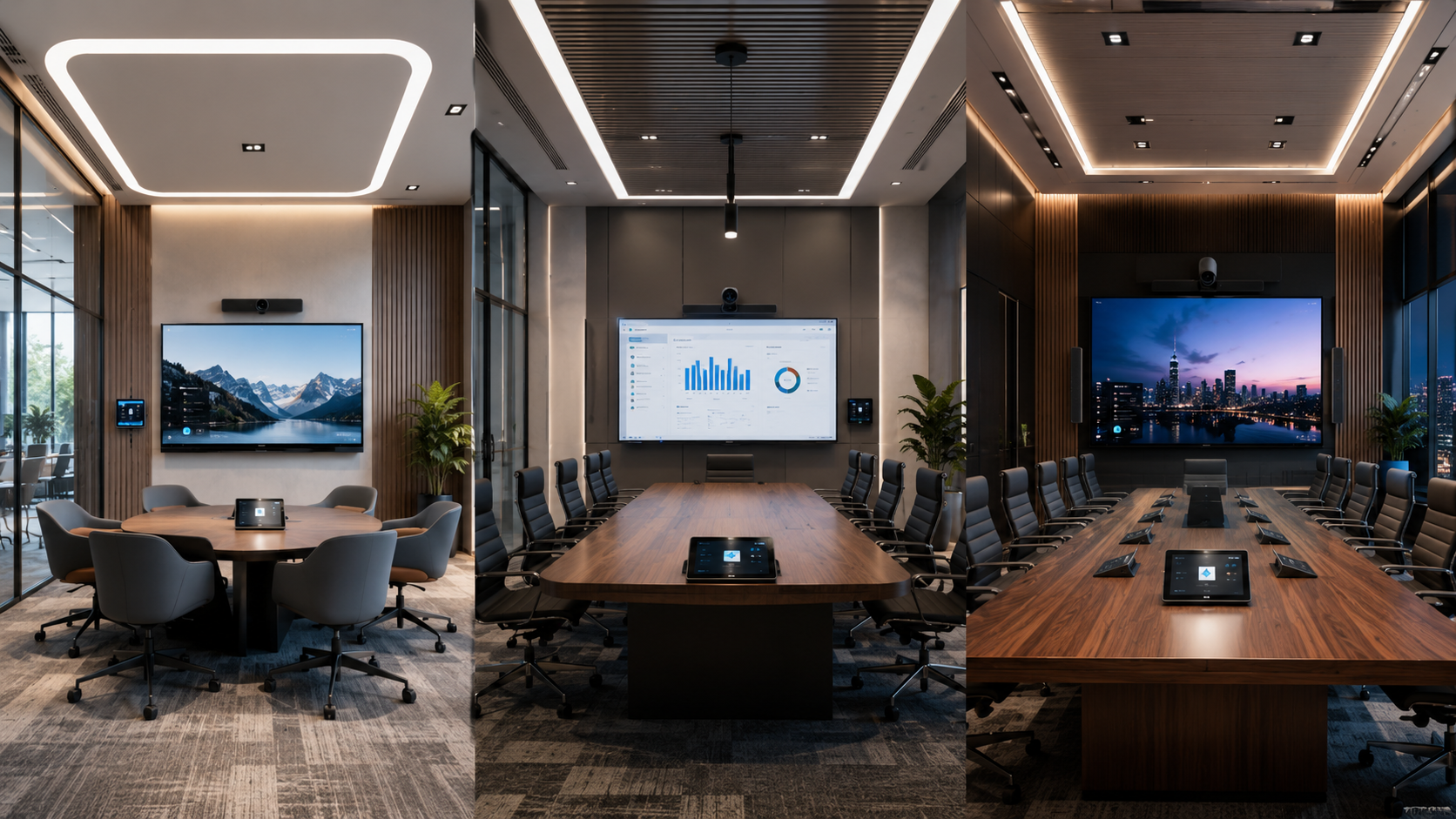
Small Rooms
2–8 Participants
- 55–65” Display
- USB Conference Camera
- Speakerphone System
- Wireless Screen Sharing
- Compact Controls
Medium Rooms
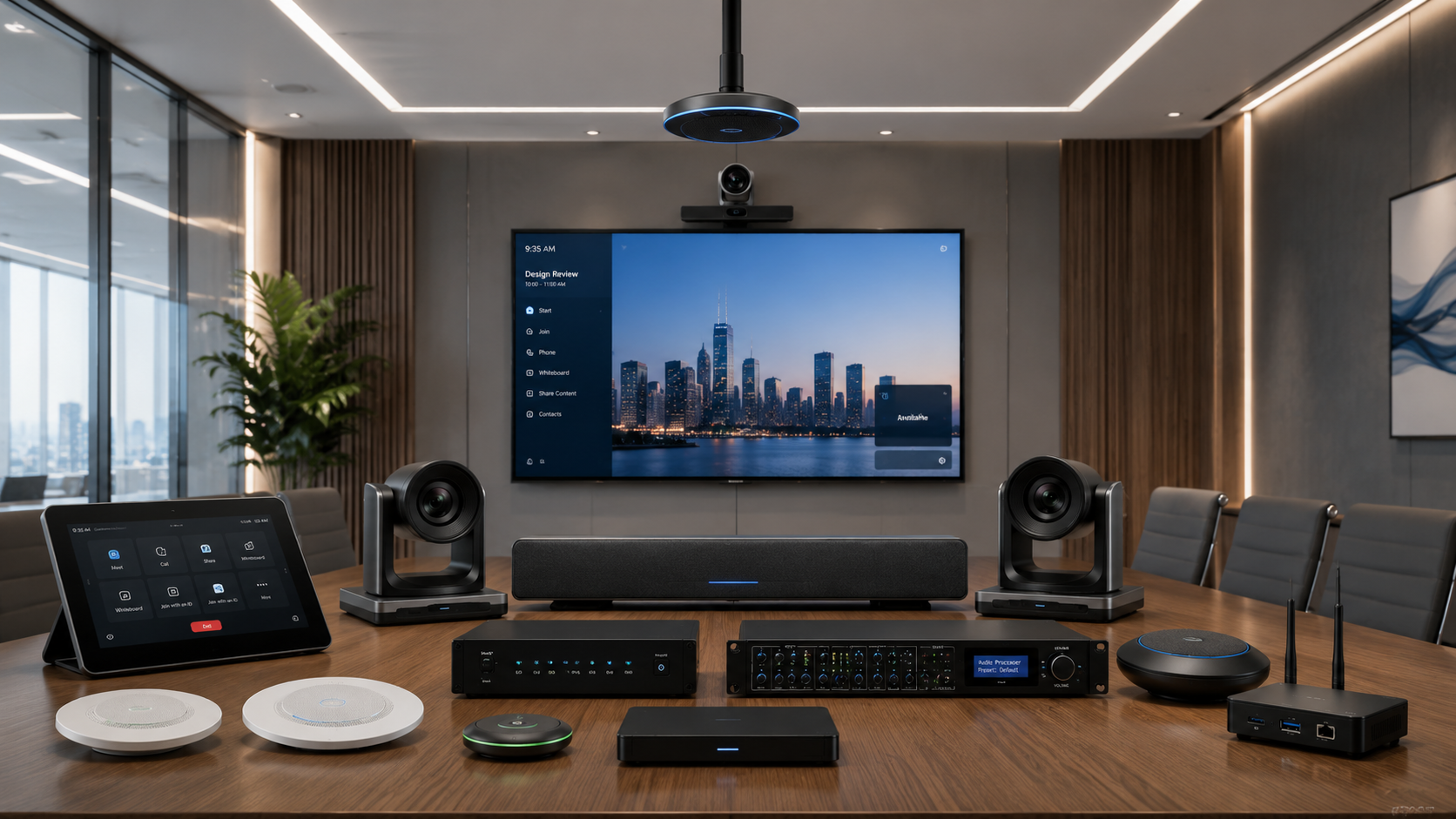
8–20 Participants
- 75–86” Interactive Display
- PTZ Camera
- Ceiling Mic Array
- DSP Audio Processing
- Wireless Collaboration Hub
- Touch Controls
Large Rooms
20+ Participants
- LED Wall / Laser Projector
- Auto-Tracking PTZ Camera
- Enterprise Audio Matrix
- Ceiling Mic System
- AV Processing Core
- Full Room Automation
Conference Room Setup by Industry Use
| Industry | Recommended Solution |
|---|---|
| Corporate Offices | Video conferencing + smart displays |
| Educational Institutions | Interactive panels + classroom audio |
| Sports Authority Rooms | Large display + hybrid collaboration tools |
| Government Rooms | Secure conferencing + AV control systems |
| Training Centers | Projectors + smart presentation systems |
Display Options: Which Should You Choose?
Compare display technologies quickly and choose the ideal solution based on room size, collaboration needs and presentation style.
| Feature | Professional Displays | Interactive Panels | Projectors | LED Walls |
|---|---|---|---|---|
| Best For | Medium Business Rooms | Education & Collaboration | Large Classrooms & Auditoriums | Executive Premium Spaces |
| Interactivity | Standard Viewing | Full Touch Collaboration | Presentation Focused | High Visual Impact |
| Scalability | Moderate | High | Very High | Enterprise Grade |
| Visual Experience | Sharp & Reliable | Interactive & Smart | Large-Format Flexible | Ultra Premium Immersive |
| Recommended If | Daily Office Meetings | Live Collaboration Needed | Large Audience Presentations | Maximum Brand Impact |
Essential Conference Room Components
A high-performing conference room depends on the right balance of audio, video, collaboration and infrastructure systems working together seamlessly.
Conference Camera
Crystal-clear visuals for remote collaboration and participant tracking.
Microphone Array
Captures every voice clearly across the room without dead zones.
Speaker System
Balanced room-wide sound for natural conversation flow.
Display / Projector
Sharp presentations with visibility optimized for room size.
Wireless Presentation
Instant screen sharing without cable clutter.
Room Scheduler Panel
Smart room booking visibility and scheduling automation.
Control Processor
Centralized management for all room systems.
Network Infrastructure
Stable bandwidth for uninterrupted conferencing performance.
Common Conference Room Setup Mistakes
Avoiding these common mistakes ensures long-term performance, scalability and professional meeting experiences.
Display visibility should match room depth and participant count.
Audio gaps destroy hybrid meeting quality instantly.
Bad angles reduce engagement and professionalism.
Lag and drops interrupt critical discussions.
Future growth becomes expensive to support later.
Business rooms demand enterprise-grade reliability.
How to Choose the Right Conference Room Solution
Before buying, ask:
- How many participants will use the room?
- Will remote meetings be frequent?
- Is collaboration interactive?
- Do you need automation controls?
- Will room usage grow later?
Need Expert Conference Room Design?
Build Smarter Meeting Spaces
From small meeting rooms to enterprise boardrooms and educational spaces, we design and deploy complete conference room solutions tailored to your requirements.
Talk to Kapadia InfotechFrequently Asked Questions
Answers to the most common questions businesses ask before investing in professional conference room solutions.
Final Thoughts
The best conference room setup is not the most expensive one—it is the one designed around your room size, usage pattern, and collaboration needs.
Choosing correctly creates better meetings, stronger communication, and long-term productivity.