
Cloud Data Backup & Recovery Guide: How It Works, Benefits, and Why Businesses Need It
 Kapadia Infotech
Introduction
Data is the backbone of every modern business. Whether it's customer records, financial data, or internal operations — losing data can mean losing business. This is where cloud data backup and recovery becomes essential.
In this guide, we’ll break down how backup and recovery work, their differences, and how businesses can implement a reliable system using modern cloud solutions.

What is Data Backup?
Data backup is the process of creating a copy of your data and storing it in a secure location (usually cloud storage) to prevent loss in case of failure, cyberattack, or accidental deletion.
Key Features of Backup
- Automatic scheduled backups
- Encrypted storage
- Multiple versions of files
- Cloud-based accessibility
What is Data Recovery?
Data recovery is the process of restoring lost, corrupted, or compromised data from backup storage. It ensures business continuity during unexpected incidents.
When is Recovery Needed?
- Ransomware attacks
- Hardware failures
- Accidental deletion
- System crashes
Backup vs Recovery: Key Differences
| Aspect | Backup | Recovery |
|---|---|---|
| Purpose | Create data copies | Restore lost data |
| Timing | Before data loss | After data loss |
| Process | Scheduled/continuous | On-demand |
| Goal | Prevention | Business continuity |
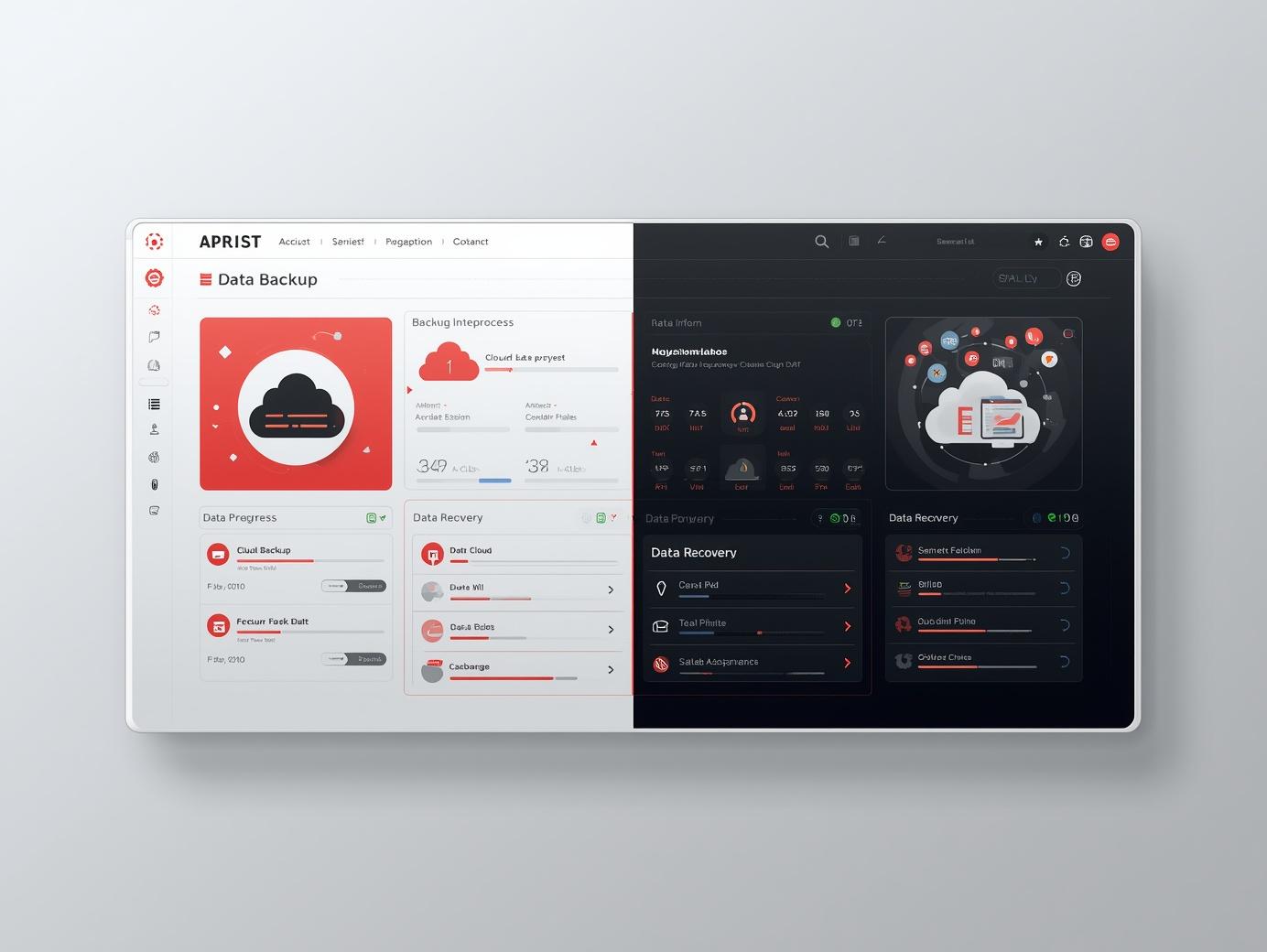
How Cloud Backup & Recovery Works
Cloud-based solutions automate the entire process of securing and restoring data:
- Data Selection: Choose files, systems, or entire machines
- Encryption: Data is encrypted before transfer
- Cloud Storage: Data is stored securely in remote servers
- Monitoring: Continuous monitoring and alerts
- Recovery: Instant restore when required
How Solutions Like Acronis Work
Modern platforms like Acronis Cyber Protect combine backup, cybersecurity, and disaster recovery into a single solution.
Core Capabilities
- Full image backup (entire system backup)
- AI-based ransomware protection
- Cloud and hybrid storage options
- One-click recovery
- Centralized dashboard management
It integrates seamlessly with cloud environments and ensures that businesses can recover systems in minutes instead of hours or days.

How to Set Up Cloud Backup & Recovery
Setting up a cloud backup system is simpler than most businesses think:
- Choose a reliable backup solution
- Install backup agents on systems
- Select data and backup frequency
- Enable encryption and security settings
- Test recovery process regularly
Who Needs Cloud Backup & Recovery?
Almost every business today needs data protection, but it's especially critical for:
- SMEs handling customer data
- IT companies and SaaS businesses
- Financial and legal firms
- Healthcare organizations
- Manufacturing and enterprise companies
Key Benefits for Businesses
- Data protection against cyber threats
- Quick disaster recovery
- Reduced downtime
- Regulatory compliance
- Scalable storage
Is It Worth the Investment?
The cost of data loss is always higher than the cost of prevention. Cloud backup ensures business continuity, protects reputation, and saves time and money in the long run.
Conclusion
Cloud backup and recovery is no longer optional — it’s a necessity. With advanced solutions available today, businesses can protect their data, minimize risks, and operate with confidence.

