
How to Choose the Best Data Protection Solutions for Your Business (Complete Guide)
 Kapadia Infotech
Best Data Protection Solutions for Business
Every business today runs on data — emails, client records, financial data, and applications. But the real challenge is not just storing data, it's protecting, securing, and recovering it when needed.
With so many options like cloud backup, disaster recovery, hybrid cloud, and email security, it becomes confusing to decide what your business actually needs.
This guide will help you clearly understand each solution and choose the right one based on your requirements.
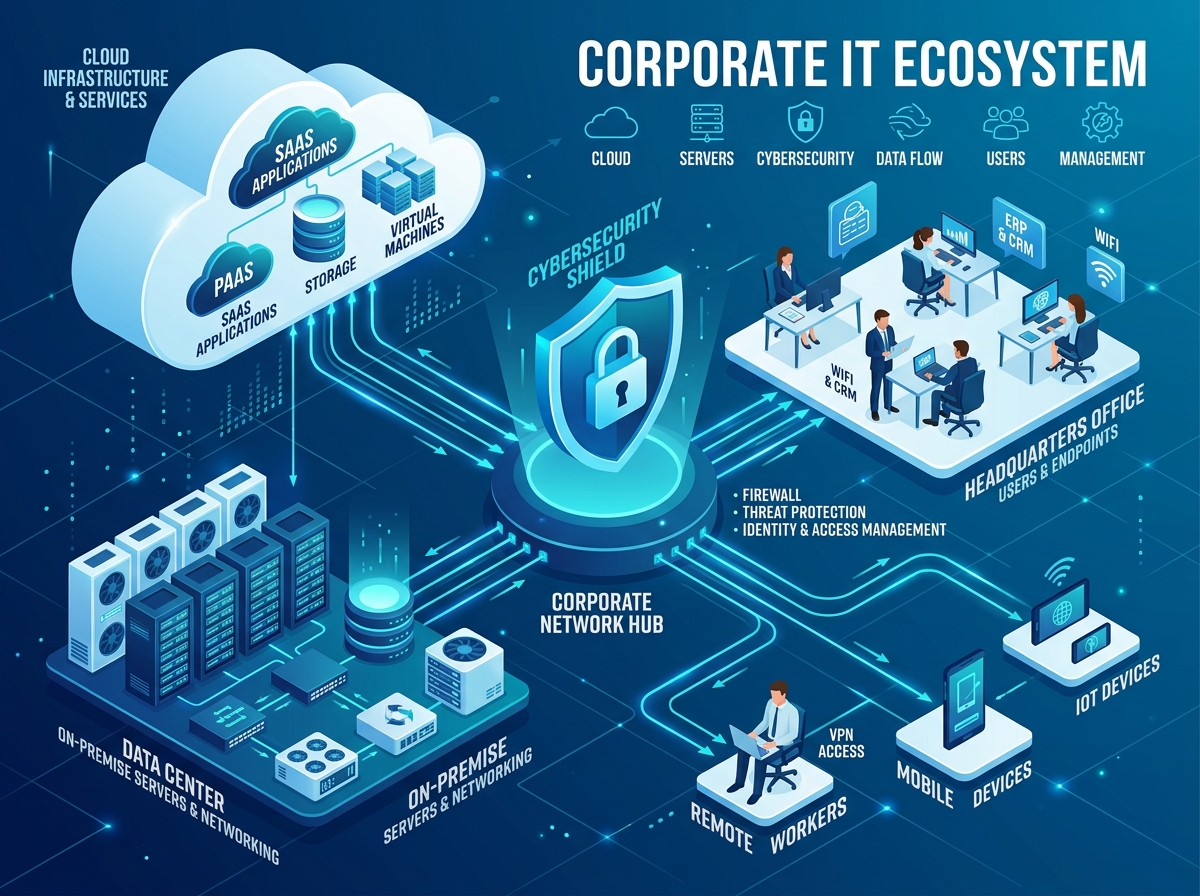
Step 1: Identify Your Business Risk
Start by asking these simple questions:
- What happens if your data is lost today?
- Can your business afford downtime?
- Do you rely heavily on emails or Microsoft 365?
- Are you protected against ransomware or cyber attacks?
Your answers will define what solutions you actually need.
Solution Overview
| Solution | Purpose | Best For |
|---|---|---|
| Cloud Backup | Data backup in cloud | Basic protection |
| Disaster Recovery | Full system recovery | No downtime businesses |
| Data Protection | Security & encryption | All businesses |
| Hybrid Cloud | Local + cloud storage | Flexible operations |
| Email Security | Protection from phishing | Email users |
| Email Archiving | Long-term email storage | Compliance |
| M365 Backup | Backup for cloud apps | Microsoft users |
| Archival Storage | Low-cost long-term storage | Old data |
Cloud Backup – Basic Protection
Cloud backup stores your data safely in remote servers.
- Prevents data loss
- Easy file recovery
- Accessible from anywhere
Disaster Recovery – Business Continuity
Disaster recovery restores your entire system, not just files.
- Full system recovery
- Fast recovery time
- Keeps business running

Data Protection – Security Layer
Protects your data from cyber threats.
- Anti-ransomware protection
- Encryption
- Access control
Hybrid Cloud – Balanced Approach
Combines local storage and cloud backup.
- Fast access
- Cloud redundancy
- Better performance
Email Security – Protect Your Inbox
Email is the most common attack point.
- Blocks phishing
- Stops malware
- Secures communication
Email Archiving (Microsoft 365)
Stores emails for long-term access.
- Compliance ready
- Easy retrieval
- Reduces mailbox load
Backup for Microsoft 365
Cloud data also needs backup.
- Protects emails and files
- Recovers deleted data
- Prevents permanent loss
Archival Storage
Used for long-term storage of unused data.
- Low cost
- Secure storage
- Compliance support
How to Choose the Right Solution
| Requirement | Recommended Solution |
|---|---|
| Basic safety | Cloud Backup |
| No downtime | Disaster Recovery |
| Cyber protection | Data Protection + Email Security |
| Microsoft 365 users | M365 Backup + Email Archiving |
| Performance + safety | Hybrid Cloud |
| Long-term storage | Archival Storage |
Also read our detailed guide on Disaster Recovery vs Backup to understand why backup alone is not enough.
Not Sure Which Solution is Right for Your Business?
Choosing the wrong data protection strategy can lead to downtime, data loss, and security risks. Get expert guidance tailored to your business needs.
Final Thoughts
No single solution is enough. A combination of backup, security, and recovery ensures complete business protection.
Make the right decision today to keep your business safe and running.
Frequently Asked Questions
The best approach is a combination of cloud backup, disaster recovery, and email security to ensure complete protection and business continuity.
No, cloud backup alone is not enough. Businesses also need disaster recovery and cybersecurity protection to handle system failures and cyber attacks.
Microsoft provides infrastructure, but data protection responsibility lies with the user. Backup ensures recovery of deleted or lost data.
Backup protects your data, while disaster recovery restores your entire system and operations to keep your business running.

