
Disaster Recovery vs Backup: Why Modern Businesses Need More Than Just Data Backup
 Kapadia Infotech
The Harsh Reality: Data Loss is No Longer a Possibility, It's Inevitable
In today’s digitally dependent world, businesses are facing an increasing number of disruptions—ranging from natural disasters to sophisticated cyberattacks. According to global reports, over 60% of small businesses shut down within 6 months of a major data loss incident. Cybercrime alone is expected to cost the world over $10 trillion annually.
Recent incidents involving ransomware attacks, cloud outages, and geopolitical tensions have proven one thing: no data is 100% safe in a single location. 
Backup is NOT Enough Anymore
Many businesses believe that having a backup means they are protected. But backup is only a part of the solution—not the complete answer.
What is Backup?
Backup is simply a copy of your data stored in another location. It helps in retrieving files when data is lost, deleted, or corrupted.
What is Disaster Recovery?
Disaster Recovery (DR) is a complete strategy that ensures your entire IT infrastructure—including systems, applications, and operations—can be restored quickly after a disaster.
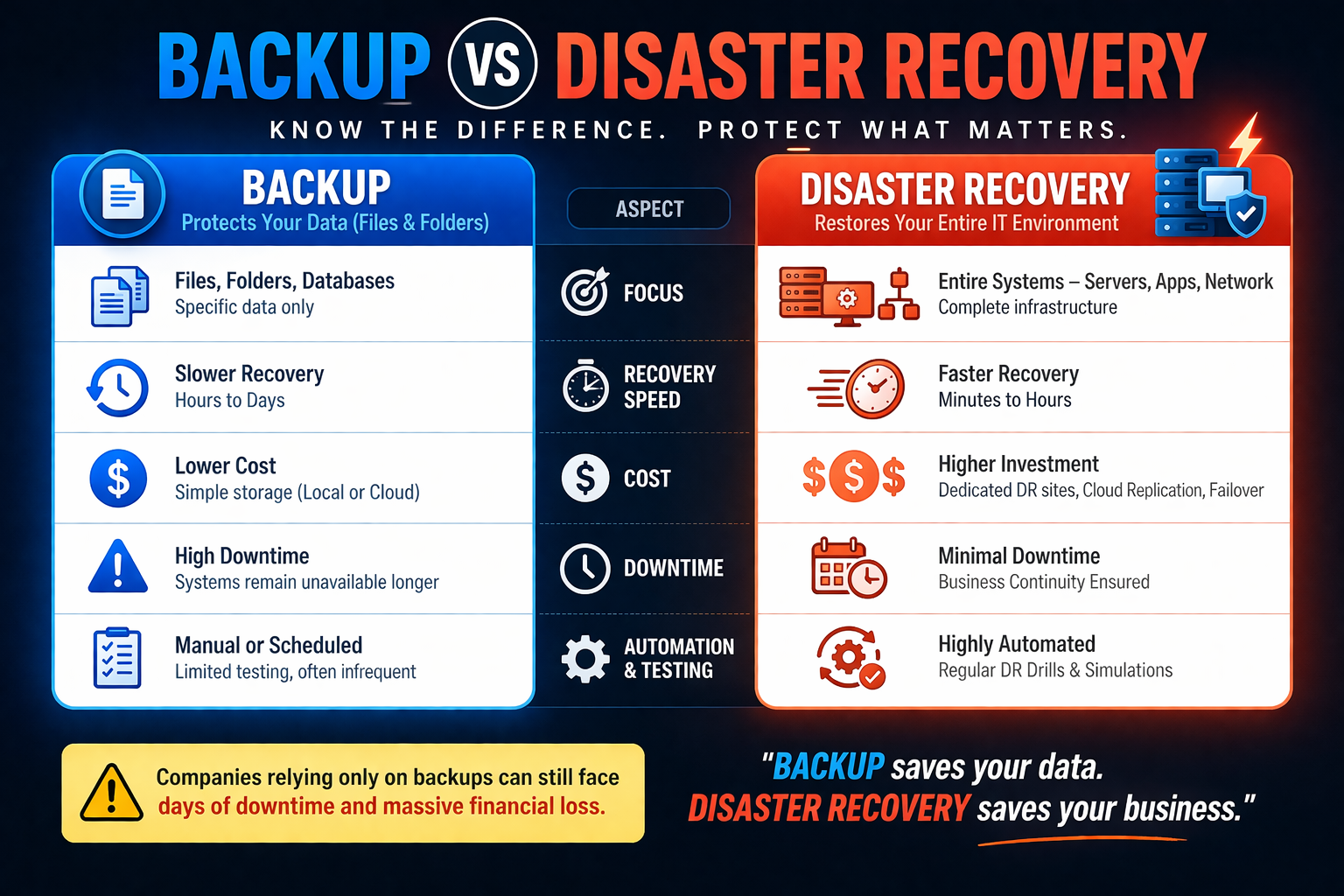
Backup vs Disaster Recovery: The Key Difference
| Backup | Disaster Recovery |
|---|---|
| Focuses only on data | Focuses on entire IT systems |
| File-level recovery | Full system & environment recovery |
| Slow restoration | Rapid recovery (minutes to hours) |
| No business continuity | Ensures business continuity |
Real-World Impact: Why Businesses Are Failing
From ransomware attacks shutting down hospitals to cloud outages impacting global enterprises, the damage is massive:
- Downtime costs businesses thousands to millions per hour
- Loss of customer trust and reputation
- Legal and compliance penalties
- Permanent business closure in extreme cases
Even the biggest cloud providers are not immune. Outages in major platforms have impacted thousands of businesses simultaneously.
No Cloud is 100% Safe
Many assume that storing data in cloud platforms like AWS, Google Cloud, or Microsoft Azure is enough. However:
- Cloud outages do happen
- Data can still be deleted, encrypted, or corrupted
- Cyberattacks can target cloud environments
Best Practice: Always follow the 3-2-1 rule — keep data in multiple locations (local + cloud + offsite).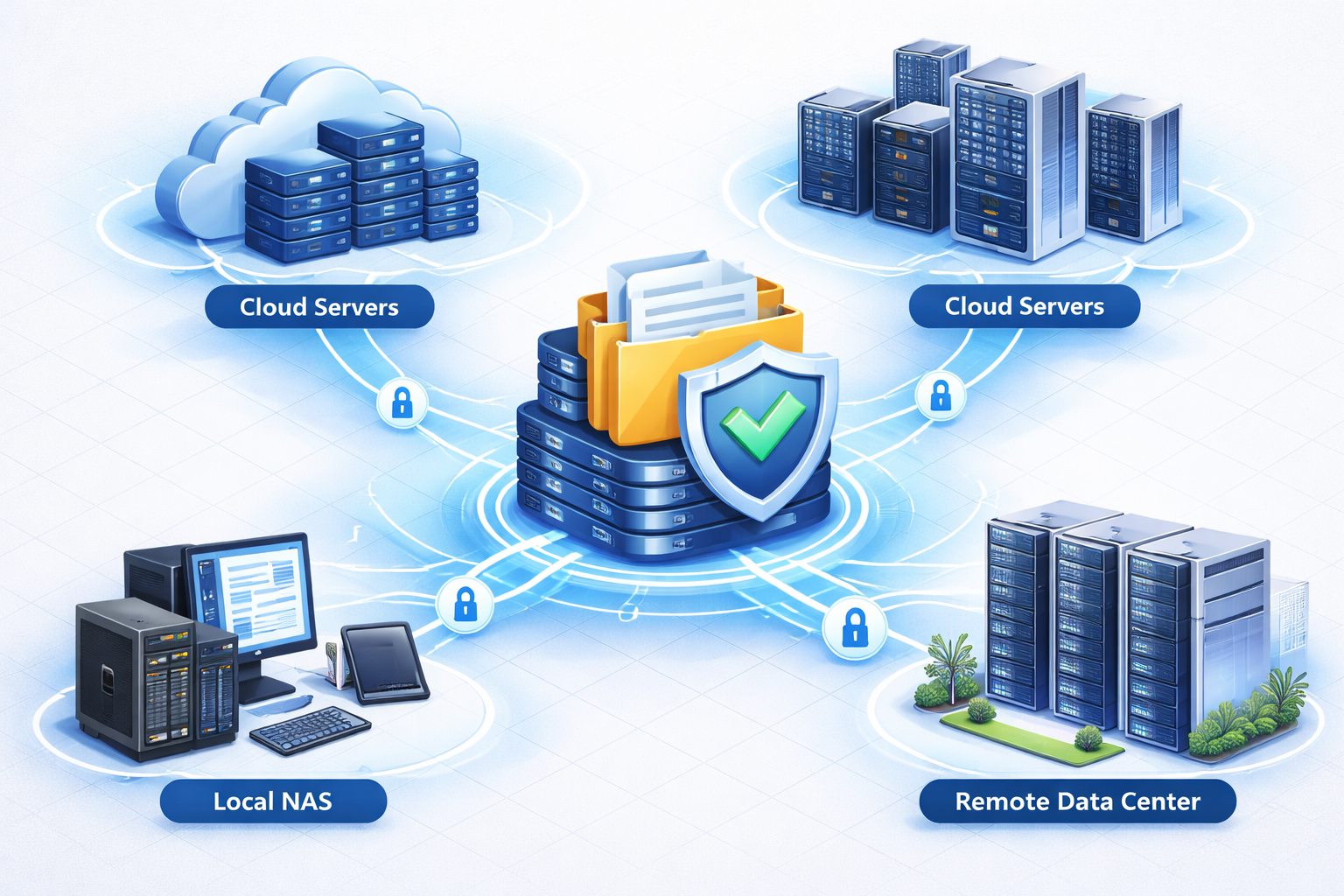
Modern Approach: Multi-Layer Data Protection
To truly protect your business, you need a combination of:
- NAS (Local Storage): Fast access and quick backup
- Cloud Backup: Remote accessibility and redundancy
- Disaster Recovery: Full system restoration including OS, applications, and virtual machines
This layered approach ensures that even if one system fails, your business continues to run.
RTO & RPO: The Most Critical Metrics
Having backup and DR is not enough—you must define:
- RTO (Recovery Time Objective): How quickly your systems must be restored
- RPO (Recovery Point Objective): How much data loss your business can tolerate
Without proper RTO and RPO planning, even the best backup systems can fail to meet business needs.
The Future Threat: Cyber War is Coming
Experts predict that the next global conflict may not be fought with weapons—but with cyberattacks. Critical infrastructures, businesses, and data systems will be the primary targets.
Organizations must shift their mindset from reactive recovery to proactive protection.
Prevention is always better than cure.
Final Thoughts: Business Continuity is the Goal
Backup protects your data. Disaster recovery protects your business.
If your systems go down today, how long can your business survive?
Investing in a robust disaster recovery strategy is no longer optional—it is essential for survival in the modern digital era.