
Cybersecurity Checklist for Small Businesses: 25 Essential Security Measures to Protect Your Company in 2026
 Kapadia Infotech
Introduction
Cybersecurity is no longer a concern only for large enterprises. Today, small and medium-sized businesses are increasingly targeted because attackers know they often have fewer security controls, limited monitoring, and smaller IT teams.
Modern cyber threats include ransomware, phishing attacks, business email compromise, credential theft, data breaches, and insider threats. A single successful attack can result in financial loss, downtime, reputational damage, and loss of customer trust.
This cybersecurity checklist helps business owners, IT managers, and decision-makers understand the most important security measures required to protect modern organizations.
Cybersecurity Reality Check
If your business relies on email, cloud applications, laptops, mobile devices, customer information, or online services, cybersecurity is no longer optional.
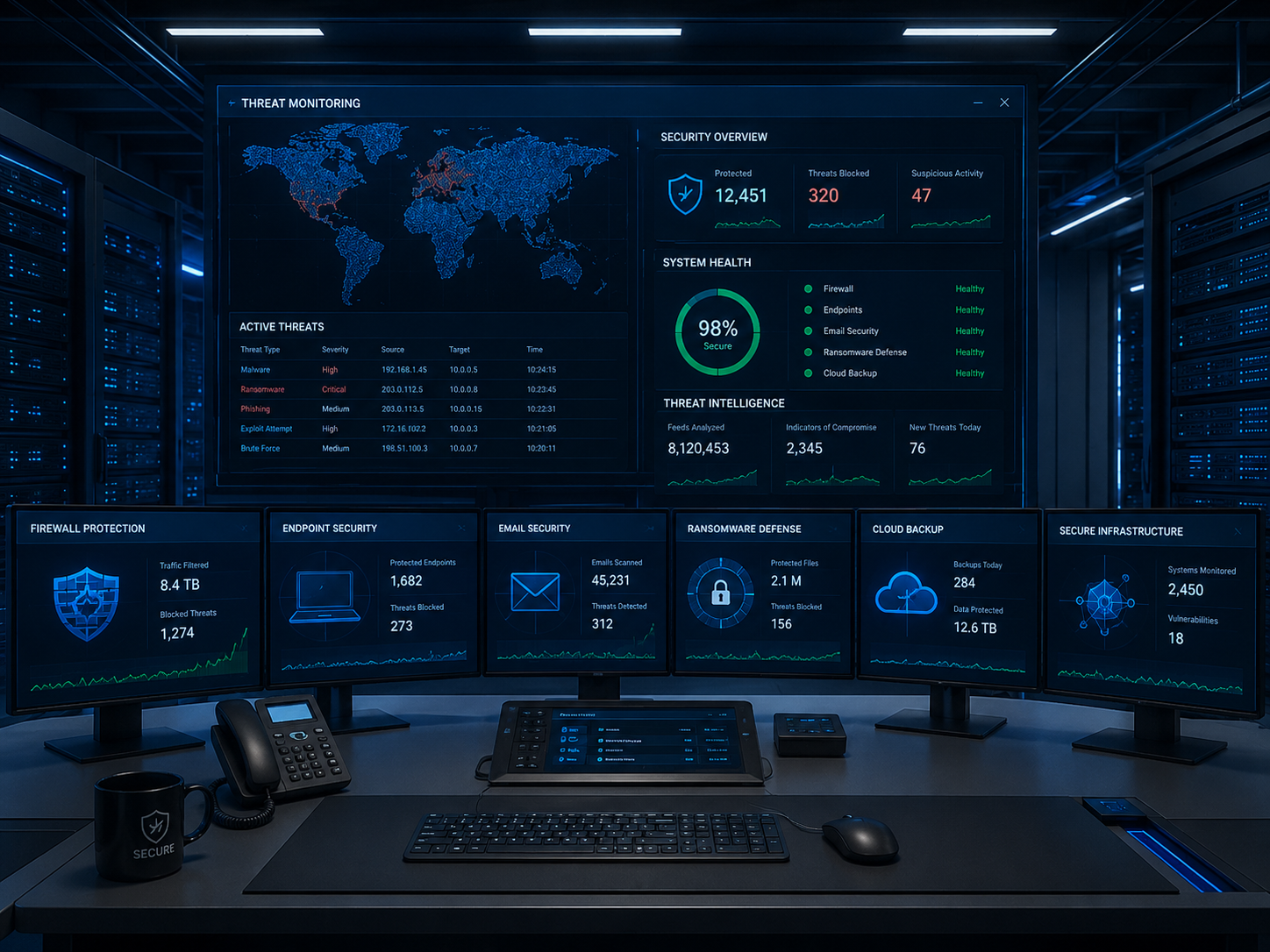
The Complete Small Business Cybersecurity Checklist
| Security Area | Why It Matters | Priority |
|---|---|---|
| Endpoint Security | Protects laptops and desktops | Critical |
| Multi-Factor Authentication | Prevents account compromise | Critical |
| Email Security | Stops phishing attacks | Critical |
| Firewall Protection | Secures business networks | Critical |
| Backup & Recovery | Restores operations after attacks | Critical |
| Security Awareness Training | Reduces human errors | High |
| Patch Management | Closes software vulnerabilities | High |
| Remote Work Security | Protects offsite employees | High |
1. Secure Every Endpoint
Every laptop, desktop, server, and mobile device connected to your network represents a potential entry point for attackers.
Modern endpoint protection should include:
- Antivirus and anti-malware
- Behavior-based threat detection
- EDR (Endpoint Detection & Response)
- Device monitoring
- Threat isolation capabilities
2. Enable Multi-Factor Authentication (MFA)
Passwords alone are no longer enough. MFA adds an additional layer of protection by requiring users to verify their identity using a second factor.
MFA should be enabled for:
- Microsoft 365
- Email accounts
- VPN access
- Business applications
- Administrative accounts
3. Protect Business Email
Email remains the primary attack vector for cybercriminals.
Organizations should implement:
- Spam filtering
- Anti-phishing protection
- Email attachment scanning
- Link protection
- DMARC, SPF and DKIM policies
4. Deploy a Business Firewall
A properly configured firewall acts as the first line of defense between internal business systems and the internet.
Modern firewalls provide:
- Traffic filtering
- Intrusion prevention
- Application control
- Web filtering
- VPN connectivity
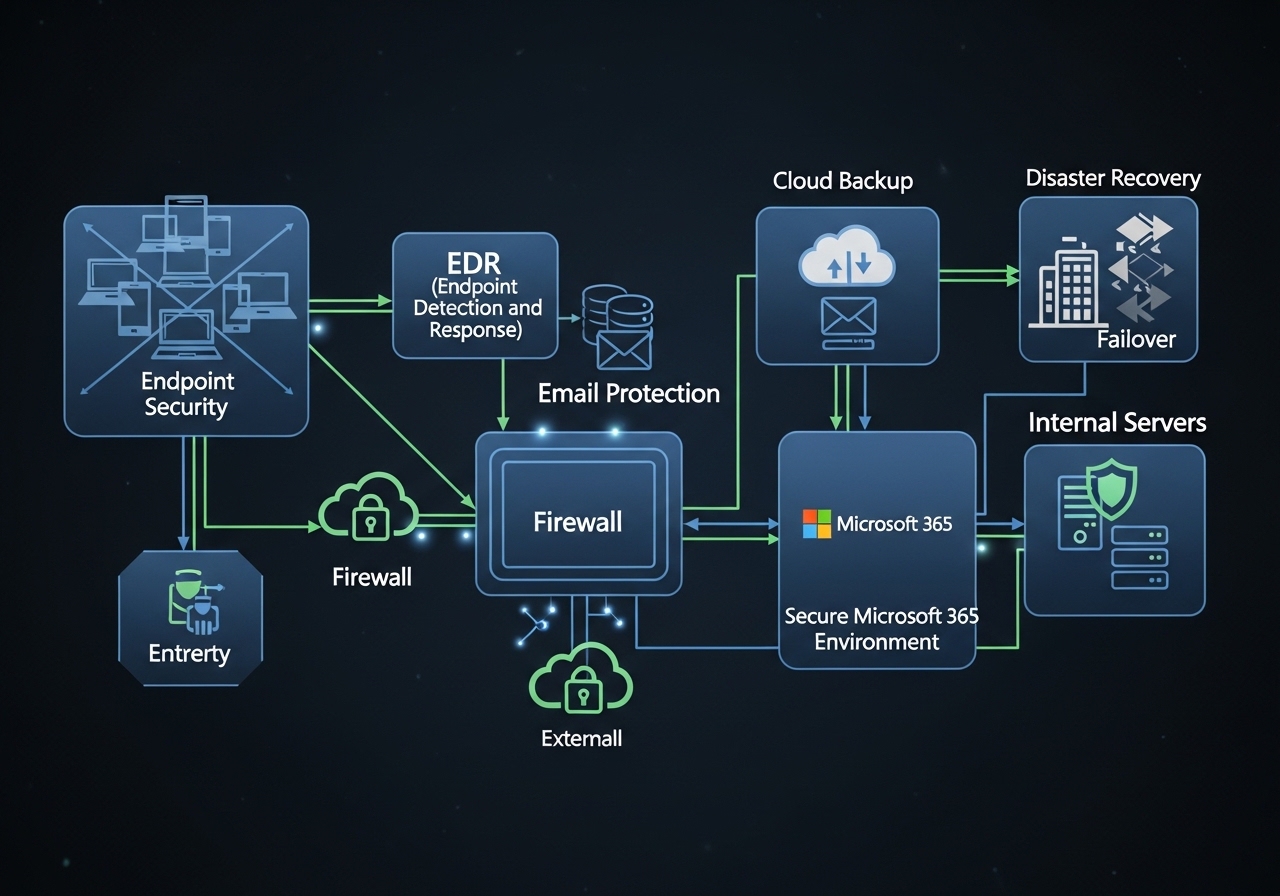
5. Implement Backup and Disaster Recovery
Cybersecurity is not just about prevention. It is also about recovery.
A modern backup strategy should include:
- Local backup storage
- Cloud backup storage
- Immutable backup copies
- Ransomware recovery plans
- Disaster recovery testing
| Backup | Disaster Recovery |
|---|---|
| Protects data | Protects operations |
| Restores files | Restores systems |
| Recovery may take hours | Recovery may take minutes |
6. Keep Software Updated
Many cyberattacks exploit known vulnerabilities that already have available security patches.
Update regularly:
- Windows
- Servers
- Microsoft 365 applications
- Network devices
- Business software
7. Secure Remote and Hybrid Employees
Remote work has expanded the attack surface of many organizations.
- Use VPN access
- Enforce MFA
- Manage devices centrally
- Restrict unauthorized software
- Monitor endpoint health
8. Educate Employees
Technology alone cannot stop every attack.
Employees should learn how to identify:
- Phishing emails
- Fake invoices
- Suspicious attachments
- Password theft attempts
- Social engineering attacks
9. Review Microsoft 365 Security Settings
Many businesses use Microsoft 365 but leave default security settings unchanged.
Important controls include:
- Conditional access
- MFA policies
- Email protection
- Data loss prevention
- Audit logging
10. Create an Incident Response Plan
Every business should know exactly what happens if a cyberattack occurs.
A documented response plan helps minimize downtime and confusion during critical incidents.
Need Help Assessing Your Cybersecurity Readiness?
Our team helps businesses implement endpoint security, firewalls, Microsoft 365 protection, backup solutions, disaster recovery, email security and cybersecurity best practices.
Request a Security AssessmentFrequently Asked Questions
Do small businesses really need cybersecurity?
Yes. Small businesses are frequently targeted because attackers often expect weaker security controls.
What is the most important cybersecurity investment?
There is no single solution. Effective protection combines endpoint security, email protection, firewall security, backup and employee awareness.
Is antivirus enough?
No. Modern threats require layered protection including EDR, email security, firewalls and backup solutions.
Why is backup part of cybersecurity?
Because recovery is critical. If prevention fails, backup and disaster recovery ensure business continuity.
Final Thoughts
Cybersecurity is not a product. It is a business strategy that combines technology, processes and people.
By implementing this checklist, organizations can significantly reduce risk, improve resilience and better protect their operations, employees and customers from modern cyber threats.