How to Choose the Best Printer: A Complete Guide for Home, Office & Long-Term Reliability
 Kapadia Infotech
Introduction
Buying a printer is not just about choosing a device—it’s about selecting a long-term business or personal productivity tool. Many buyers focus only on price, but ignore critical factors like cost per print, reliability, maintenance, and scalability.
The wrong choice can lead to high running costs, frequent breakdowns, and inefficient operations. This guide will help you understand every important factor, type, and term required to choose the best printer for your needs.
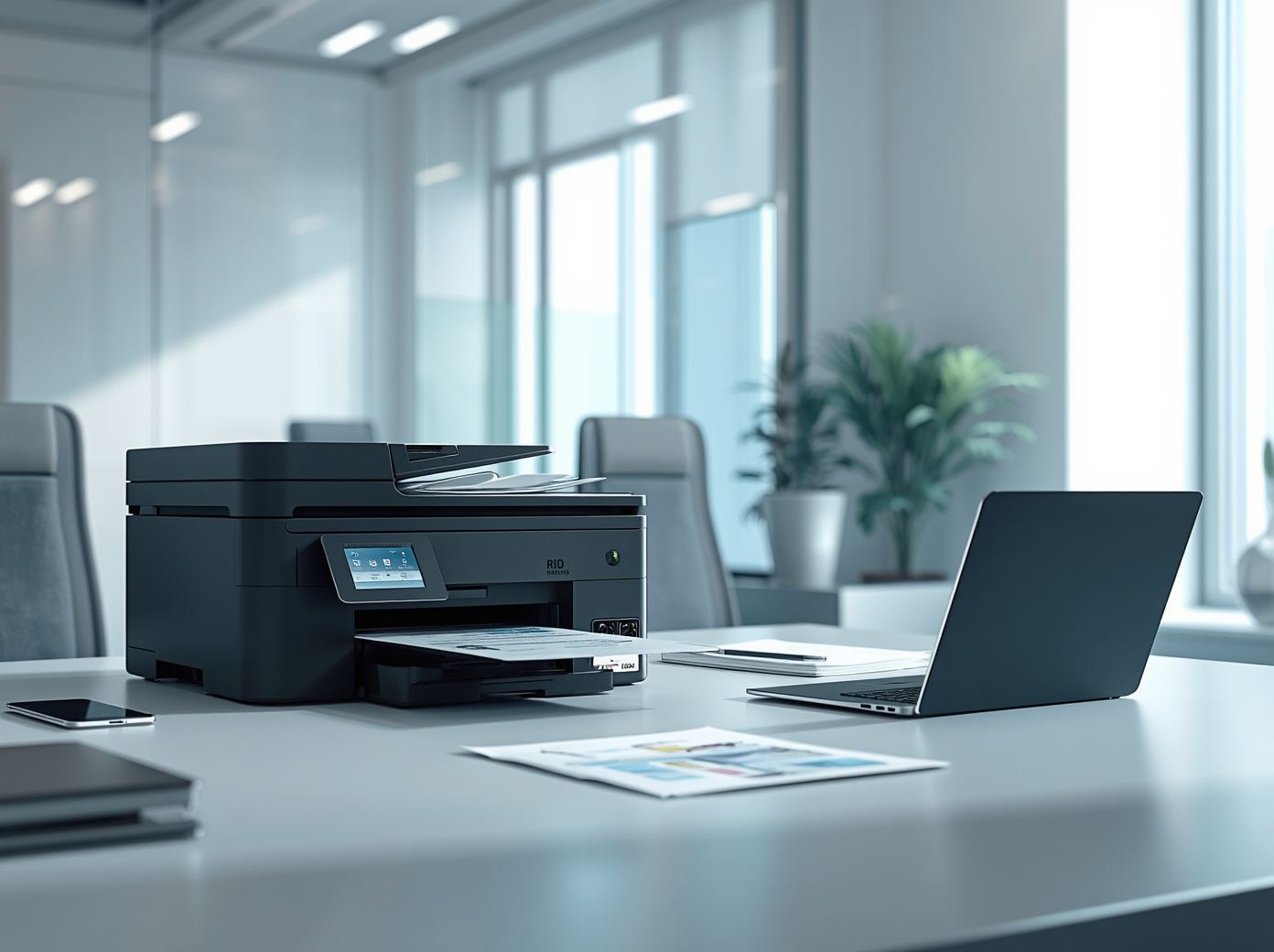
Step 1: Define Your Usage Type
Your usage decides everything. Never choose a printer without understanding your requirement.
- Home Use: Low volume, school work, occasional prints
- Home Office: Moderate usage, documents, scanning
- Small Business: Daily printing, multi-user environment
- Enterprise: High volume, speed, network printing
Choosing wrong usage category leads to over-spending or under-performance.
Step 2: Types of Printers
1. Inkjet Printers
- Best for color printing and photos
- Low initial cost
- Higher cost per page
- Suitable for low to moderate usage
2. Laser Printers
- Best for document printing
- Fast and efficient
- Low cost per page
- Ideal for office and business use
3. Ink Tank (Refillable) Printers
- Very low cost per print
- High page yield
- Best for frequent printing
- Higher upfront cost but cheaper long-term
Tank printers are becoming the preferred choice for high-volume users due to cost efficiency.
Step 3: Inkjet vs Laser – Which One Should You Choose?
| Feature | Inkjet | Laser |
|---|---|---|
| Usage | Home / Photo | Office / Bulk |
| Speed | Slow | Fast |
| Cost Per Page | High | Low |
| Maintenance | Frequent | Low |
Rule: If your printing is frequent → go Laser or Ink Tank. If occasional → Inkjet.
Step 4: Cost Per Print (Most Critical Factor)
This is where most buyers fail.
- Cheap printers = expensive cartridges
- Expensive printers = lower long-term cost
Always calculate:
- Cost of cartridge or toner
- Page yield (number of pages per cartridge)
- Monthly print volume
Printers with lower cost per page are always better for long-term use.
Step 5: Duty Cycle (Printer Capacity)
Every printer has a monthly duty cycle (maximum pages it can handle).
- Low-end printers: 100–1000 pages/month
- Mid-range: 1000–5000 pages/month
- Enterprise: 10,000+ pages/month
Exceeding this limit leads to breakdowns and reduced lifespan.
Step 6: Print Speed (PPM – Pages Per Minute)
Speed matters in business environments.
- Inkjet: 5–15 PPM
- Laser: 20–40+ PPM
Higher PPM means faster workflow and better efficiency.
Step 7: Print Quality (DPI)
DPI (Dots Per Inch) defines print clarity.
- 600 DPI: Basic document printing
- 1200 DPI+: High-quality prints
- Photo printing: Requires higher DPI
Step 8: Functions – Single vs Multi-Function
- Single Function: Only printing
- Multi-Function (All-in-One): Print + Scan + Copy + Fax
For offices, multi-function printers are always recommended.
Step 9: Connectivity Options
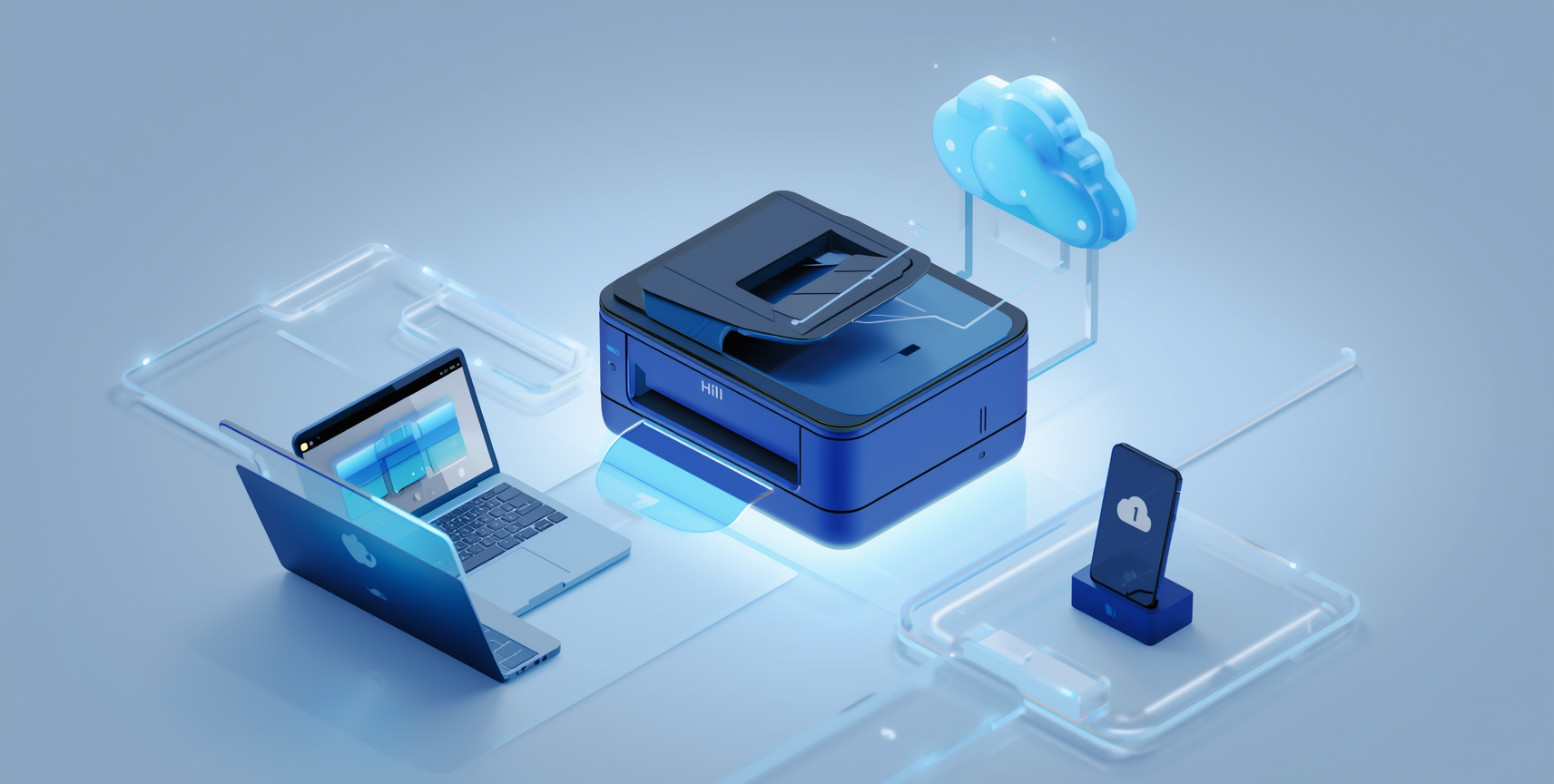
Modern printers should support multiple connectivity options:
- USB (basic)
- WiFi (wireless printing)
- LAN (network sharing)
- Mobile printing (Android/iOS)
- Cloud printing
This ensures flexibility across devices and teams.
Step 10: Cartridge vs Toner vs Ink Tank
- Cartridge: Expensive, low yield
- Toner: Used in laser printers, higher yield
- Ink Tank: Refillable, cheapest per page
For long-term reliability and cost efficiency, ink tank and laser printers are preferred.
Step 11: Brand & Service Support
Always choose brands with strong service networks.
- Availability of spare parts
- Service centers
- Easy consumable replacement
Popular reliable brands include HP, Canon, Epson, and Brother.
Step 12: Real Business Setup Recommendation
For businesses, the ideal setup is:
- Primary high-volume laser printer
- Secondary backup printer
- Network-enabled shared printing
This ensures zero downtime and smooth operations.
Common Mistakes to Avoid
- Buying based only on price
- Ignoring cost per print
- Choosing wrong printer type
- Overloading low-duty printers
- Ignoring service availability
Final Thoughts
The best printer is not the cheapest one—it is the one that matches your usage, offers low running cost, and provides long-term reliability.
Before buying, always evaluate:
- Your usage volume
- Running cost
- Printer type
- Support & reliability
Making the right decision today can save significant cost and operational issues in the future.