What is RMM Software? Complete Guide to Remote Monitoring & Management for Businesses
 Kapadia Infotech
Introduction
Let’s be real—managing multiple systems, users, updates, and issues manually is a headache. Whether you're running a small office or a growing company, IT problems don’t wait. Systems slow down, updates fail, and sometimes things just break without warning.
This is exactly where RMM (Remote Monitoring & Management) software steps in.
Instead of reacting to problems, RMM helps you monitor, manage, and fix systems before they impact your business.
What is RMM Software?
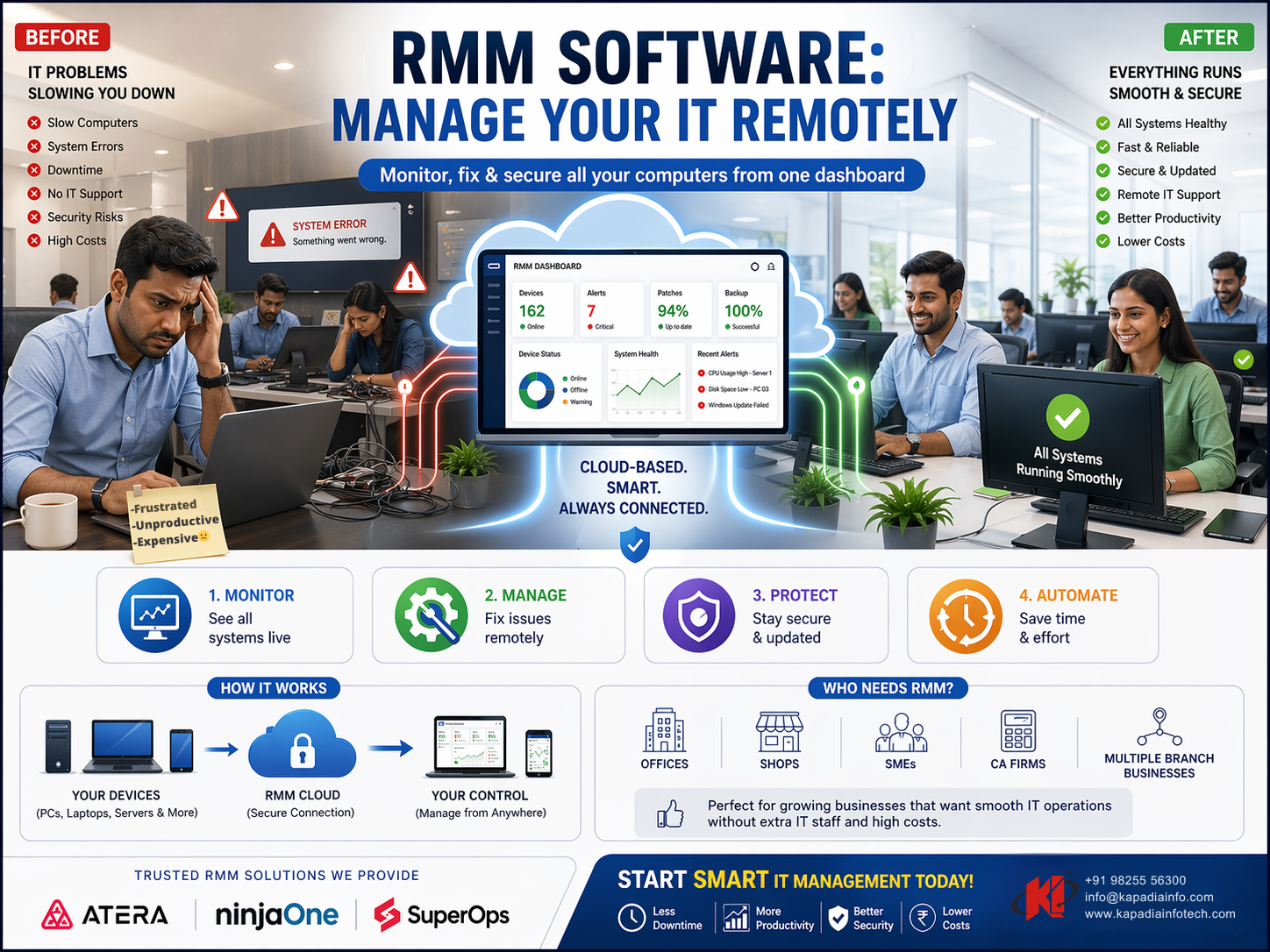
RMM (Remote Monitoring and Management) is a tool that allows businesses and IT providers to monitor and manage devices, servers, and networks remotely from a single dashboard.
- Track system performance in real-time
- Detect issues before they become serious
- Automate updates and maintenance
- Access systems remotely for troubleshooting
In simple terms, it’s like having an IT team watching over your systems 24/7.
How RMM Works
RMM software works by installing lightweight agents on systems. These agents continuously send data back to a central dashboard.
| Step | What Happens |
|---|---|
| 1 | Agent installed on devices |
| 2 | System data is collected (CPU, memory, disk, etc.) |
| 3 | Alerts generated for issues |
| 4 | IT team fixes issues remotely |
Key Features of RMM Software
- Real-Time Monitoring: Keep track of system health 24/7
- Remote Access: Fix issues without being physically present
- Patch Management: Automatic OS and software updates
- Alerts & Notifications: Get notified before problems escalate
- Automation: Routine tasks handled automatically
- Reporting: Detailed insights into system performance
Why Businesses are Moving to RMM
Traditional IT support is reactive—something breaks, then you fix it. RMM flips that approach.
| Traditional IT | With RMM |
|---|---|
| Fix after problem occurs | Prevent problems early |
| Manual monitoring | Automated monitoring |
| On-site dependency | Remote management |
| Higher downtime | Minimal downtime |
This shift alone can save businesses significant time and cost.
Real Benefits of RMM Software
- Reduced downtime
- Faster issue resolution
- Improved system performance
- Lower IT costs
- Better security and compliance
It’s not just about convenience—it directly impacts productivity and business continuity.
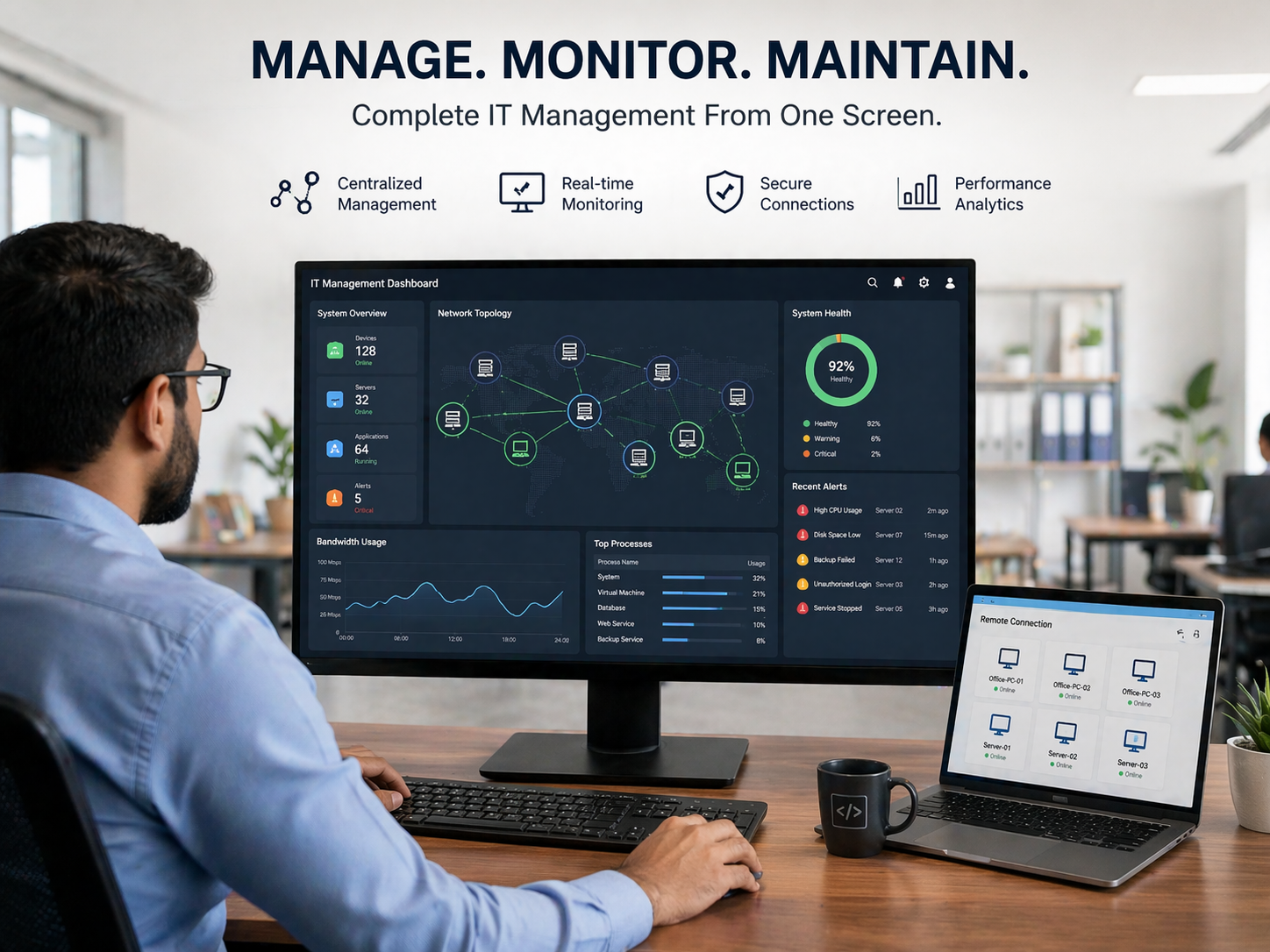
Who Needs RMM Software?
- Businesses with multiple systems or employees
- Companies without dedicated IT teams
- Organizations managing remote or hybrid workforce
- IT service providers (MSPs)
If your business depends on computers (which it does), RMM is relevant.
RMM + Security = Strong IT Foundation
RMM alone is powerful, but when combined with security solutions like backup, disaster recovery, and endpoint protection—it becomes a complete IT management system.
👉 Also read: How to Choose the Right Data Protection Solutions
What to Look for in an RMM Solution
- Easy-to-use dashboard
- Strong automation features
- Reliable alert system
- Scalability
- Security integration
Common Mistakes to Avoid
- Choosing cheap tools with limited features
- Ignoring automation capabilities
- Not integrating with security solutions
- No proper monitoring setup
Need Help Implementing RMM?
Get the Right RMM Setup for Your Business
From monitoring to automation, we help you implement the right RMM solution tailored to your business needs.
Contact UsFinal Thoughts
RMM is no longer optional—it’s becoming essential for businesses that want to stay efficient, secure, and scalable.
Instead of waiting for problems, start preventing them.